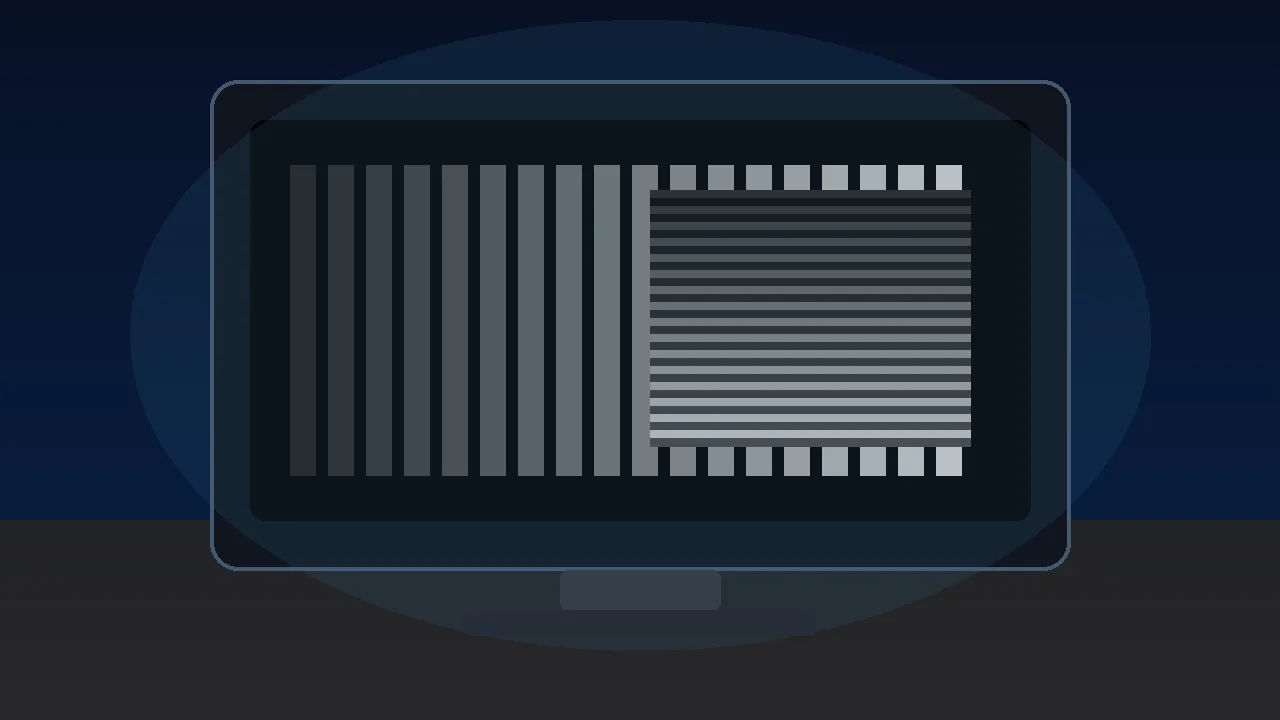
Free screen uniformity test. Fullscreen gray, red, green, blue, or white for spotting LCD clouding, IPS glow, backlight bleed, and dark-corner uniformity issues across the panel.
Pick a color and brightness level, enter fullscreen, and look for dark corners, brighter edges, clouds, or IPS glow on your monitor. Different colors reveal different uniformity issues.
Pick a color and brightness, then Fullscreen. Good panels show perfectly even color edge-to-edge. Uneven brightness, tinted corners, or cloudy patches reveal uniformity issues.
Tip: check at 20%, 50%, and 80% brightness — uniformity issues often appear only in a specific brightness band. Step 2-3 feet back for a less-biased look. Dim your room for clouding tests.
Was this tool helpful?Rate Screen Uniformity Test:5.0(2 ratings)Thanks for rating!
Screen Uniformity Test is a free, browser-based screen testing tool that runs the full check instantly in your web browser.
Cost: Free, no signup
Install: None — runs in the browser
Privacy: Runs locally, no uploads
Platforms: Windows, macOS, Linux, Android, iOS
Time: Under a minute
What Is Screen Uniformity?
A "uniform" display shows the exact same color and brightness across every region of the panel. Real-world LCD and OLED monitors are never perfectly uniform — the backlight (LCD) or pixel-aging pattern (OLED) inevitably introduces small variations. The question for buyers and QC is how big those variations are. Professional color-critical work (photo editing, video grading) demands tight uniformity; gaming and general use tolerates more.
Clouding (VA Panels)
Clouding looks exactly like its name — milky, cloud-shaped patches of brighter or slightly tinted gray visible when displaying a solid mid-gray or dark color. It's most common on VA panels, where slight LCD alignment variations across the panel area produce uneven light transmission. Minor clouding is considered normal; severe clouding is usually a warranty-able defect.
IPS Glow vs Backlight Bleed
These are different, despite being often confused:
IPS glow: a characteristic cool/blue glow visible at oblique viewing angles, most obvious in dark scenes. It shifts as you change position — move your head left and the glow shifts right. Normal for IPS panel tech. Not a defect.
Backlight bleed: harsh white or yellowish light leaking from along the edges, behind the bezel. Stays fixed regardless of viewing angle. Usually a QC defect.
Testing Methodology
Set a uniform fullscreen color and look carefully. Mid-gray reveals clouding best because grays show the slightest luminance shifts. Near-black reveals bleed and glow because any stray light stands out. Solid primary colors (red, green, blue) reveal subpixel-level issues — a weak blue subpixel cluster, for example, will show as a purple patch on a solid blue field. Testing at multiple brightness levels is important since some issues only appear in specific bands.
IPS glow is a cool blue / purple glow visible at oblique viewing angles in dark content. It shifts as you move. All IPS panels have some — it is not a defect.
What is backlight bleed?
Backlight bleed is harsh white or yellow light leaking along the panel edges on dark content. Unlike IPS glow, it stays fixed regardless of viewing angle. Severe bleed is usually covered by warranty.
What is clouding?
Clouding is milky, cloud-shaped patches of uneven brightness visible at mid-gray. Most common on VA panels. Minor clouding is normal; severe clouding is a QC defect.
Why test at multiple brightness levels?
Some uniformity issues only appear in a specific brightness band. A panel clean at 80 percent may show clouding at 40 percent. Test at 20, 50, and 80 percent.