What This QR Generator Does
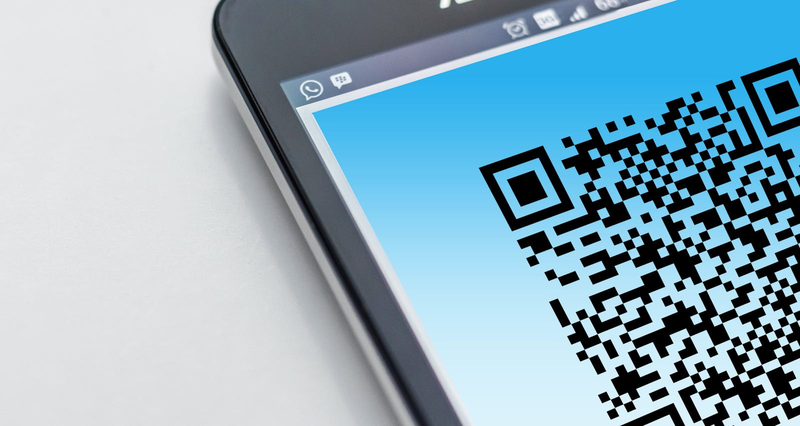
Type any text or URL and the tool renders the QR code immediately in your browser — nothing is uploaded to a server. Pick one of three sizes (160, 220, or 280 px), adjust the colors, and download the finished code as a PNG. Phone numbers and email addresses work too: enter them as plain text, or use tel:+1234567890 / mailto:name@example.com so phones offer to call or compose directly on scan.
Prefer It One Click Away? Get the Edge Extension
The same generator and scanner now ship as an official browser add-on: KeyboardTester.Click QR tools on the Microsoft Edge Add-ons store. It puts QR creation in your toolbar so you can turn the page you are reading into a code without opening a new tab. The web tool on this page stays free and identical — the extension is just a shortcut.
Generator or Reader? Pick the Right QR Tool
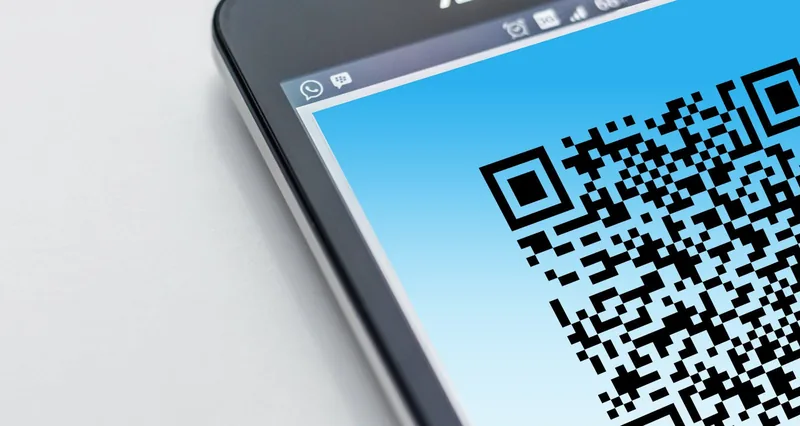
This page creates codes. If you need to go the other way — you have a code and want the content out of it — use the QR code reader, which decodes an uploaded image, including a screenshot or photo with the code inside it. A practical workflow for anything you plan to print: generate the code here, download the PNG, then run it back through the reader once to confirm it decodes to exactly what you intended.