

Typing Rhythm Fingerprint Test hero image

Free Typing Rhythm Fingerprint Test — Consistency & Bigram Heatmap Online

Free typing rhythm test online. Measure your keystroke dwell time, flight time, and get a bigram heatmap showing your fastest and slowest key transitions. No download needed.

Typing Rhythm Fingerprint Test

Type the passage below and see your unique keystroke timing pattern.

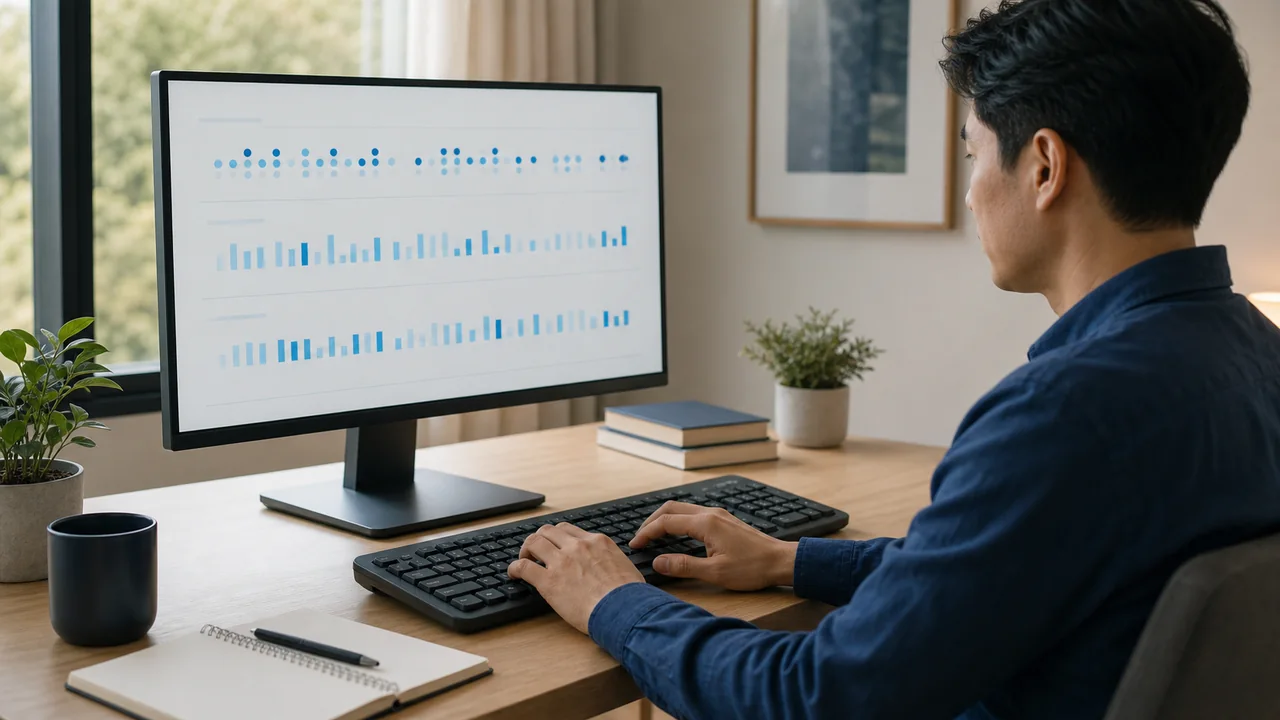
Type the passage — your rhythm timeline, consistency score, and slowest key pairs appear live as you type

120 BPM
Click here, then start typing the text
Esc restarts · Backspace fixes mistakes · timing starts on your first key
—
WPM
—
Accuracy
—
Consistency
—
Avg gap (ms)
—
Dwell (ms)
0
Errors
Rhythm timeline — the gap before each keystroke (flatter = steadier)
Steady Hesitation Error Pause Mean gap

Listen to your typing rhythm

Replay your input timing with a different sound. Your pauses stay in the rhythm.

Type a few characters to hear your rhythm.

Rhythm Fingerprint Results
— / 100
New personal best!
Per-key speed map
Green = fast · red = slow · gray = not typed
Fastest pairs
Slowest pairs

This test runs entirely in your browser. No keystroke data is stored or transmitted.

Rate Typing Rhythm Fingerprint: 2.8 (11 ratings)

Typing Rhythm Fingerprint guide

How to use the Typing Rhythm Fingerprint accurately

Free typing rhythm test online. Measure your keystroke dwell time, flight time, and get a bigram heatmap showing your fastest and slowest key transitions. No download needed.

01 Type the passage Choose a passage length and type the shown text. After a few characters, you can replay the inputs captured so far. Finish the passage for the full results.
02 Read your rhythm Read the gap timeline alongside WPM, accuracy and consistency. In the completed results, inspect the per-key speed map and fastest/slowest pairs; use the drill button to practise slow pairs.
03 Listen in four styles Choose Drums, Woodblock, Bells or Synth, then press Play rhythm. Volume starts at 30%. Playback preserves the spacing of your inputs and any pauses.
04 Compare and practise Stop, choose another style and press Play again to compare the same rhythm. The metronome supplies a fixed practice beat; starting it stops playback, and playback stops the metronome.

Typing Rhythm Fingerprint FAQ

Common typing rhythm fingerprint questions
What does the typing rhythm test measure?

It tracks gaps between inputs, key hold time (dwell), release-to-next-press time (flight), WPM and accuracy. A bigram is a pair of consecutive letters. The completed results include a per-key speed map and fastest/slowest letter pairs.

How is the consistency score calculated?

After six usable gaps, the score is 100 minus the gap coefficient of variation as a percentage, limited to 0–100. It uses consecutive input timings, not flight times. Gaps of 1.5 seconds or more are excluded from the score but stay in playback.

How do I listen to my rhythm in different styles?

Type a few characters, choose Drums, Woodblock, Bells or Synth and press Play rhythm. You can listen before finishing. Each style keeps the same input timing and pauses. Stop, choose a different style and press Play again; the style does not change your score.

Why is Play disabled, or why can I not hear anything?

Play needs at least two separate committed input events; an input-method batch counts as one beat. Intermediate composition updates do not count. Press Play to start sound, check the volume and whether the tab or device is muted. The browser must support Web Audio.

Does playback record or upload my keyboard sound?

No. It synthesizes sounds in your browser from the captured input timing, without a microphone. Timings and replay audio are not uploaded or saved between visits. Only your personal best score and its WPM are saved locally on this device.

What stops playback or clears the current rhythm?

Stop, a style change, the metronome, hiding or leaving the tab stops playback. Typing more during an unfinished run also stops it. A new passage, repeat, length change or drill clears the rhythm. Backspace is not a beat; retyped characters are. Press Play again to hear the current run.

Windows app

KeyboardTester.click is available from Microsoft Store

Install the official Windows app shortcut, or keep using the same free testing tools in your browser.

Download from Microsoft Store Download from Microsoft Store