FreeMouse Lift-Off Distance Test — Check Your Mouse LOD Online Free
Test your gaming mouse lift-off distance (LOD) online free. Move your mouse, lift and reposition it, and our tool measures cursor displacement to rate your LOD. No software needed.
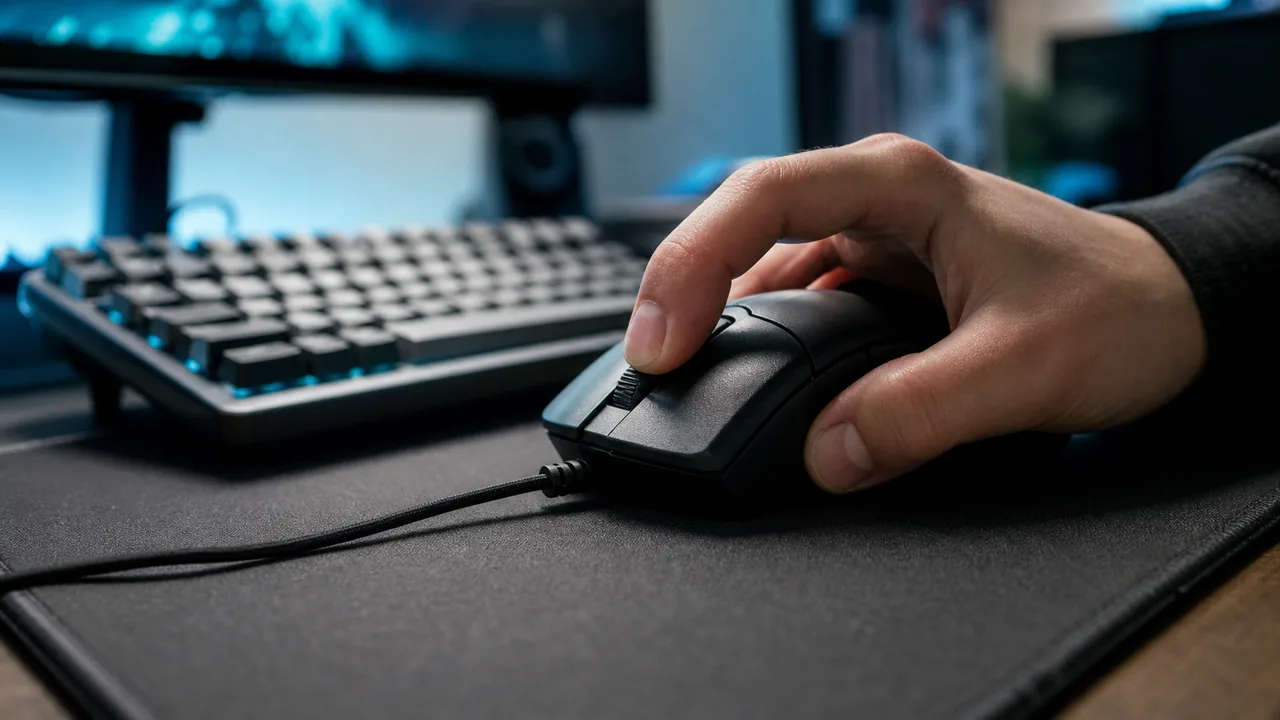
Move your mouse in the tracking area, lift and reposition it — the tool measures cursor displacement each time.
Move, lift, and reposition your mouse 5 times to get an averaged LOD classification
Instructions: Move your mouse inside the tracking area below. Lift it off your mouse pad and put it back down. Repeat 5 times — the tool calculates the average cursor drift on each lift.
—
Avg Displacement (px)
0
Lifts Recorded
—
Last Lift (px)
Move your mouse in this area, then lift off the mouse pad
Lift displacement history
This test runs entirely in your browser. No data is collected or transmitted.
Was this tool helpful?Rate Mouse LOD Tester:4.7(3 ratings)Thanks for rating!
Test your gaming mouse lift-off distance (LOD) online free. Move your mouse, lift and reposition it, and our tool measures cursor displacement to rate your LOD. No software needed.
01What Is Mouse Lift-Off Distance (LOD)?
Lift-off distance (LOD) is the height above a surface at which a mouse's optical or laser sensor stops tracking. When you physically lift your mouse off the pad, the sensor continues reading the surface briefly as the mouse rises...
02Why LOD Matters for FPS Gamers
In first-person shooters played at low sensitivity — a common setup for precise aim — players must frequently lift and reposition the mouse to stay within the physical bounds of their mouse pad.
03High LOD vs Low LOD — Which Is Better?
The answer depends entirely on use case. For competitive FPS gaming at low sensitivity, lower is always better — a Very Low LOD rating (under 5px in this test) is the gold standard.
04How to Reduce Your Mouse's LOD
If this test shows High or Medium LOD and you want to improve it, there are several practical approaches. Switch to a hard mouse pad: hard pads (acrylic, aluminum, or glass) present a perfectly flat surface that the sensor reads...
For competitive FPS gaming, very low LOD — shown as less than 5px cursor shift in this test — is ideal. Players who use low sensitivity and frequently lift to reposition benefit most. For casual use, medium LOD (15–30px) is perfectly fine and makes no practical difference.
Why does my LOD vary between tests?
Lift speed, angle, and surface texture all affect LOD readings. A fast, straight lift produces less sensor drift than a slow angled lift. Test 10+ times at your natural lifting speed for an accurate average.
Does mouse pad material affect LOD?
Yes — rough cloth pads can increase effective LOD compared to hard pads because the surface texture catches the sensor at a shallower angle. Hard pads provide a flatter surface that tends to give lower and more consistent LOD readings.
Can I test LOD on a laptop trackpad?
This tool is designed for external mice with optical or laser sensors. Laptop trackpads do not have lift-off distance in the same physical sense — they detect finger presence rather than optical surface reflection.
My cursor barely moves when I lift — is my LOD very low?
Yes! Less than 5px average displacement means your mouse has excellent low LOD. This is ideal for FPS gaming. Most modern gaming mice from Logitech, Razer, and SteelSeries have very low LOD by default, especially on hard pads.
Windows app
KeyboardTester.click is available from Microsoft Store
Install the official Windows app shortcut, or keep using the same free testing tools in your browser.