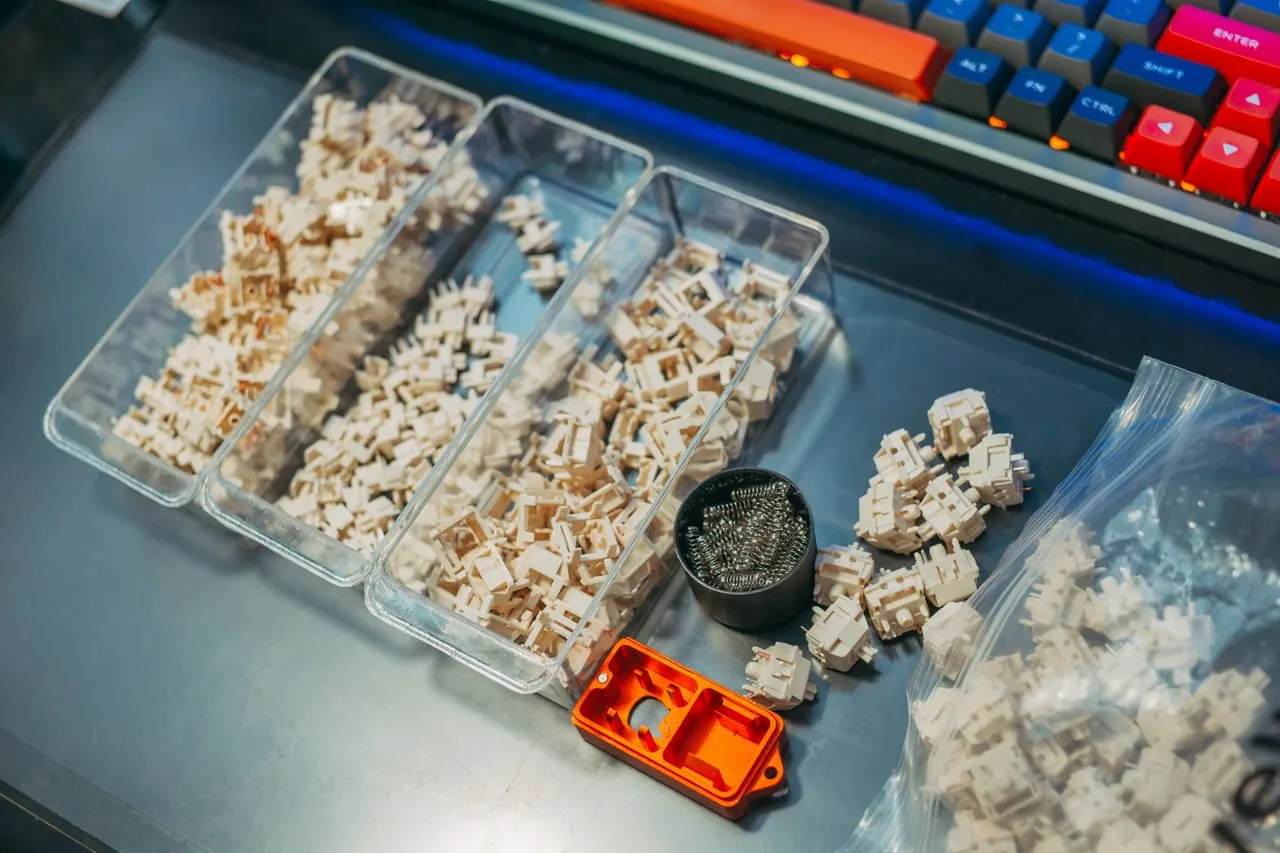
Mechanical keyboard used for detecting key chatter

Free Advanced Keyboard Double Click & Chatter Test

Advanced keyboard double click and chatter test with guided samples, release timing, per-key evidence, false-positive review, and private CSV/JSON reports.

Download from Microsoft Store Download from Microsoft Store

Advanced Keyboard Double Click & Chatter Test

Confirm accidental double typing with a guided single-key sample or scan several suspect keys. Review release-aware timing, exclude intentional double taps, and export evidence without uploading keystrokes.

This test checks accidental double registration only

Use it when one physical tap types the same key twice. It is not the full key-by-key keyboard test.

Need the full keyboard tester?
Step 1

Choose a reliable test method

Guided mode is best for confirming one suspect key. Multi-key scan helps you find which keys deserve a guided retest.

Runs locally in your browser
Test mode
Guided sample goal

More clean press-and-release cycles provide stronger evidence for intermittent faults.

Release-to-next-press threshold

50 ms balanced Use slow, separate taps so intentional double taps are not flagged.

Add test details for a support or warranty report Optional
Step 2

Run the focused test

Keep this tab visible. Press and fully release the same key slowly; do not type passwords or private text.

Ready Test not started

Capture area

Start the test, then press a suspect key

Guided mode will lock onto the first physical key code it receives.

TargetNot selected
Last inputNo timing yet
0 of 30 deliberate tapsRelease fully between taps

Browser measurement, not an electrical oscilloscope. The page sees keyboard events that reach the browser after firmware and operating-system filtering. Fn, power, some media keys, Print Screen, IME input, and OS-reserved shortcuts may not arrive. Tab pauses capture for keyboard navigation unless you enable the Tab option above.
Step 3

Review evidence, not just a red warning

Results stay cautious until the same key has enough deliberate samples. You can exclude an intentional fast double tap from the report.

Current verdict

No test data yet

Run a guided sample before deciding whether a switch is healthy or faulty.

  • Waiting for a focused sample
Estimated deliberate taps0
Suspected extra events0
Keys needing review0
Held-key repeats filtered0
Release anomalies0
Active test time0:00

Per-key diagnostic results

Physical codes keep left/right and numpad keys separate without recording typed sentences.

Per-key chatter diagnostic results
Physical keyEstimated tapsRaw downsSuspect burstsExtra eventsRate / 100Shortest release gapEvidence status
No key data yet. Start a test and use slow, separate taps.

Suspected chatter event review

Intervals are measured from the previous release of the same physical key to its next press.

Suspected chatter events that can be excluded as intentional taps
EventPhysical keyRelease gapSession timeAssessmentReview
No suspected extra events have been recorded.

Compare with a saved baseline

Save up to six local snapshots to compare wired vs Bluetooth, before vs after cleaning, or different debounce settings.

Current keyboard chatter results compared with a locally saved baseline
Physical keyCurrent samplesCurrent extras / rateBaseline samplesBaseline extras / rateChange
Save a completed session, then choose it here to compare against the current results.

Create a private evidence report

Exports contain aggregate physical key codes, timing, test settings, optional notes, and browser environment details. The page path is included without query parameters; nothing is uploaded by this tool.

Complete keyboard check

Want to test whether every keyboard key works?

This page is intentionally limited to double typing and chatter. The full Keyboard Tester shows the complete layout, highlights every key you press, and helps find dead or unresponsive keys.

Open the Full Keyboard Tester
Rate Keyboard Chatter Detector: 3.0 (34 ratings)
KeyboardTester.click assistant

Free for your site

Embed this Keyboard Chatter Detector on your website

Add this free, no-signup tool to your own page or blog post in one click — just keep the small credit link.

Keyboard Chatter Detector is a free, browser-based keyboard testing tool that runs the full check instantly in your web browser.

  • Cost: Free, no signup
  • Install: None — runs in the browser
  • Privacy: Runs locally, no uploads
  • Platforms: Windows, macOS, Linux, Android, iOS
  • Time: Under a minute

What Is a Keyboard Double Click or Chatter Test?

A keyboard double click test looks for key chatter: two or more browser-visible registrations that may have come from one physical tap. The symptom is often a doubled letter, an unintended second game action, or a shortcut firing twice.

This page is a focused chatter diagnostic, not a general keyboard map. If your goal is to press every key and find dead or unresponsive keys, open the full online Keyboard Tester instead.

A browser cannot inspect the raw electrical contacts inside a switch. It can only analyze keyboard events that survived the keyboard firmware, connection, operating system, and browser. For that reason, this tool reports suspected chatter and uses repeatable samples rather than declaring a switch faulty after one fast pair.

How the Advanced Chatter Diagnostic Works

The test pairs each physical key's keydown and keyup events using KeyboardEvent.code. It measures the time from one release to the next press of that same physical key with performance.now(). Normal held-key auto-repeat events are filtered using KeyboardEvent.repeat, while a second non-repeat keydown without a release is recorded separately as a release anomaly.

Guided single-key mode locks onto the first key and asks for 30, 100, or 300 slow press-and-release samples. Multi-key scan mode collects separate evidence for several keys and sorts the worst candidates first. Neither mode measures typing speed, polling rate, latency, ghosting, or N-key rollover; those have dedicated tools.

If you deliberately double-tapped a key, use the event review control to exclude that candidate. The per-key rates, verdict, exports, and saved baseline comparison recalculate immediately.

How to Read the Keyboard Chatter Results

Estimated deliberate taps

The number of separate press clusters after included suspected extra events are removed. A small clean sample is shown as insufficient evidence, not as proof that the key is healthy.

Suspect bursts and extra events

A suspect burst is a deliberate press cluster containing at least one rapid additional registration. Extra events count every included rapid registration, so a triple registration can add two extra events to one burst.

Rate per 100 and shortest release gap

Rate per 100 normalizes the suspect-burst count against the estimated deliberate taps. The shortest release gap shows the fastest included interval from releasing a key to receiving the same physical key again.

Evidence status

Statuses combine recurrence and sample size. One candidate is marked for retesting; repeated candidates across a meaningful guided sample create stronger evidence. You should still compare another browser, connection, USB port, or computer before a warranty or repair decision.

Choose a Chatter Threshold Without Creating False Positives

The default 50 ms setting is a practical browser-level review window, not your keyboard's firmware debounce value. Official QMK debounce documentation describes a 5 ms firmware default, but the browser does not see the switch matrix before that firmware filtering.

  • 15-30 ms: a stricter review window for very rapid same-key registrations.
  • 50 ms: the balanced default when you follow the slow, separate-tap procedure.
  • 51-80 ms: a sensitive retest range that needs deliberate pacing and false-positive review.
  • 81-150 ms: an investigative range for one guided key only; intentional fast double taps become much easier to flag.

Changing the threshold recalculates every retained interval under the new window and announces the change, so the table and exported verdict never mix two hidden classification rules.

What to Do After Repeated Chatter Evidence

  1. Retest the same key with at least 30 slow taps and exclude any double taps you know were intentional.
  2. Compare another browser and, when possible, another computer or connection mode. Wireless interference, remapping software, accessibility filters, or firmware can change what reaches the page.
  3. Unplug the keyboard before cleaning. Follow the keyboard manufacturer's instructions; opening a keyboard or using liquid products can affect a warranty.
  4. If your keyboard supports configurable firmware, review its documented debounce settings. On QMK boards, the debounce algorithm and value are firmware configuration choices, not measurements supplied by this page.
  5. For a hot-swap board, a known-good replacement switch can help separate a switch fault from a socket or PCB problem. Use the exported CSV or JSON as supporting evidence, not as the only warranty proof.

Read the full key chatter and double-letter troubleshooting guide after identifying the affected keys. If a key repeats only while it is held down, use the key repeat rate guide instead.

Use the Correct Keyboard Test for Your Symptom

Keyboard Chatter Detector FAQ

Common keyboard chatter detector questions

What is keyboard chatter or double typing?

Keyboard chatter is the symptom where one physical tap appears as two or more registrations. It can come from a switch, firmware, connection, remapping layer, or operating-system behavior, so repeat the guided test before deciding the hardware is faulty.

Can an online test prove that a keyboard switch is defective?

No. A browser sees only keyboard events that reach it after keyboard firmware and operating-system filtering. This test provides repeatable browser-level evidence, filters held-key repeat events, and helps compare keys or sessions, but it cannot inspect raw electrical switch bounce.

How many times should I press a suspect key?

Start with the guided 30-tap sample. Use 100 or 300 slow press-and-release cycles for an intermittent problem or stronger before-and-after evidence. A few clean taps are shown as insufficient evidence rather than a guaranteed pass.

What chatter threshold should I use?

Use 50 ms as the balanced starting point and tap slowly. A 15-30 ms window is stricter; settings above 50 ms are more sensitive and make intentional fast double taps easier to flag. The browser threshold is not the same as firmware debounce time.

Can I remove an intentional double tap from the results?

Yes. Every suspected event appears in the review table. Mark it as intentional to exclude it, and the per-key rates, verdict, saved comparison, and exports recalculate immediately. You can restore it later.

How do I test every key on my keyboard?

Use the Full Keyboard Tester linked at the end of this page. It shows a complete visual keyboard and highlights each key you press. This page is intentionally limited to accidental double registration and chatter evidence.

Windows app

KeyboardTester.click is available from Microsoft Store

Install the official Windows app shortcut, or keep using the same free testing tools in your browser.

Download from Microsoft Store Download from Microsoft Store

Gear picks · affiliate

Thinking about an upgrade?

Hand-picked budget boards and mice that hold up in the tests on this site — worth a look whether your gear passed or is on its way out.

Affiliate disclosure: if you buy through the links above we may earn a small commission from AliExpress at no extra cost to you. Products are picked by us, not by advertisers.