Advanced online decibel meter with live dB reading, min/avg/max/peak stats, 60-second graph, spectrum view, microphone selector, and calibration offset.
Measure relative sound levels with a live dB gauge, min/avg/max/peak stats, a 60-second history graph, spectrum view, microphone selector, and calibration offset.
Reference meter:
Use your microphone to compare room noise, PC fan noise, call background noise, or music loudness. Browser readings are relative until calibrated against a real sound level meter.
Live sound level
Decibel meter
Ready
--
dB relative
0306085120
Start the meter and allow microphone access.
Audio is analyzed locally in your browser and is not uploaded.
Min--
Avg / Leq--
Max--
Peak--
5s avg--
Elapsed00:00
Level history
Last 60 seconds
Frequency spectrum
Low to high frequency
Calibration and advanced options
Use a real SPL meter or trusted reference source, then adjust the offset until both readings match. The offset is stored only in this browser.
Quick reference
30-40 dBquiet room
50-60 dBconversation
70-80 dBtraffic or vacuum
85+ dBlimit long exposure
Was this tool helpful?Rate Decibel Meter:3.0(2 ratings)Thanks for rating!
Add this free, no-signup tool to your own page or blog post in one click — just keep the small credit link.
Decibel Meter is a free, browser-based decibel meter with live relative dB reading, min/avg/max/peak stats, 60-second graph, spectrum view, microphone selection, and calibration offset.
Cost: Free, no signup
Install: None — runs in the browser
Privacy: Runs locally, no uploads
Platforms: Windows, macOS, Linux, Android, iOS
Time: Under a minute
What Is an Online Decibel Meter?
A browser-based decibel meter uses your device microphone to estimate ambient sound levels in real time, displaying readings in dB. This upgraded meter adds a live level graph, min/avg/max/peak session stats, a spectrum view, microphone selection, and a calibration offset. It is useful for checking noise in offices, gaming setups, restaurants, and music studios. Note: browser readings are relative, not certified SPL - real SPL needs hardware-calibrated meters because every microphone has different sensitivity and processing.
How to Read the dB Numbers
30-40 dB: Whisper, very quiet room.
50-60 dB: Normal conversation.
70-80 dB: Vacuum cleaner, busy traffic.
85+ dB: Hearing damage risk with prolonged exposure.
100-110 dB: Concert, motorcycle.
120+ dB: Pain threshold, immediate damage risk.
Use Cases
Workspace noise check - Verify your office is below the OSHA 85 dB safe threshold.
Mechanical keyboard sound test - Compare your keyboards loudness to the reference levels.
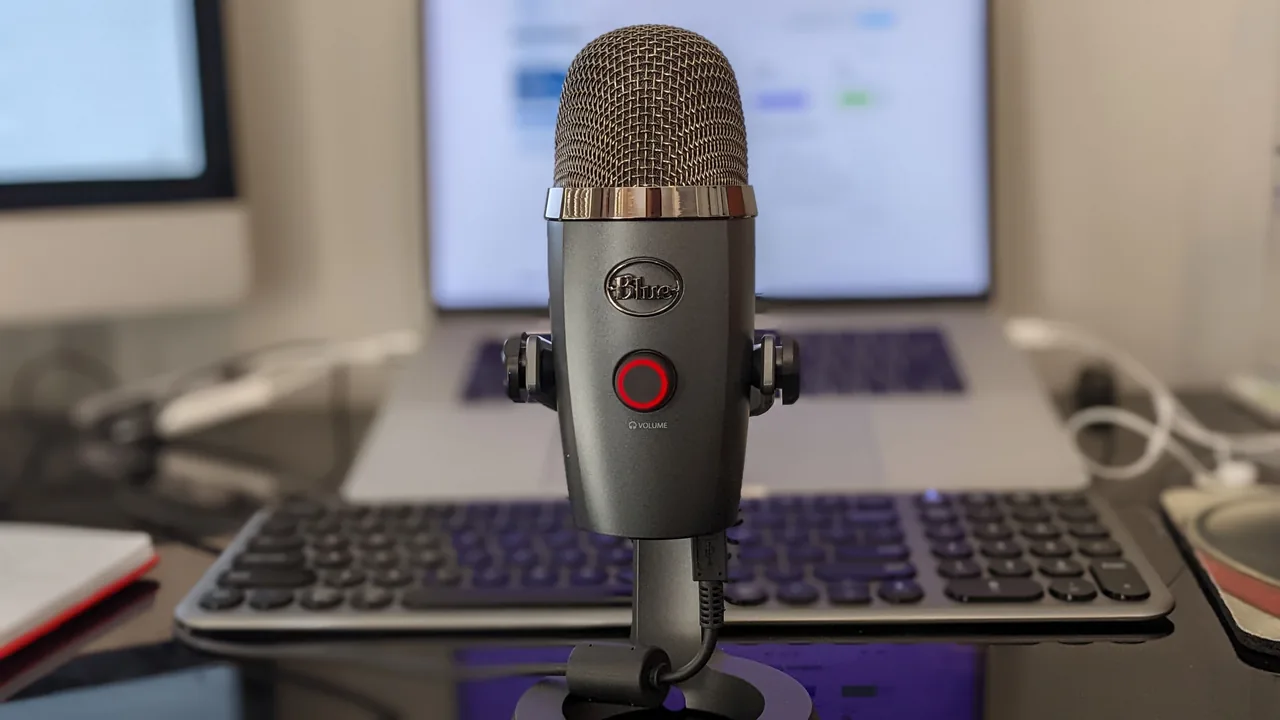
Microphone validation - Test if your mic picks up your voice consistently.
Music production room treatment - Identify noise floor in your recording environment.
What the Advanced Meter Shows
The large number is the smoothed current reading. The stat cards track minimum, average/Leq, maximum, short rolling average, and peak for the current session. The 60-second graph helps you see whether a room is consistently noisy or only spiking, and the spectrum bars show whether the energy is mostly low rumble, midrange speech, or higher-frequency sound. If you own a reference sound level meter, use the calibration panel to save an offset for this browser and device.
How Loud Is My Room, and Can I Trust This Reading?
If you are using this meter to answer “how loud is my room, office, or PC fan?”, our guide How Loud Is My Room? Free Online Decibel Meter (and How Accurate a Browser Reading Really Is) shows how to measure correctly, gives a normal-dB reference chart, explains why a browser or phone reading is relative (realistically several dB off a calibrated meter), and tells you when you genuinely need a Class 1 or 2 sound level meter instead.
An online decibel meter uses your microphone to display a live relative loudness reading in decibels, along with session minimum, average, maximum, peak, a history graph, and a spectrum view. Press Start, allow microphone access, and the readings update in real time.
How accurate is a browser-based decibel meter?
Readings are relative, not certified dB SPL. Consumer microphones and browsers are not calibrated for absolute sound pressure, so use the decibel meter to compare relative loudness - for example before and after closing a window - rather than for official measurements.
What are typical decibel levels?
A quiet room sits around 30-40 dB, normal conversation near 60 dB, and busy traffic around 80-85 dB. Treat browser readings as estimates unless you calibrate against a trusted meter.
Can I calibrate the online decibel meter?
Yes. If you have a real sound level meter or trusted reference reading, enter that reference and use the calibration offset. The offset is saved only in your browser for this device.
Is my audio recorded by the decibel meter?
No. The decibel meter analyzes the microphone signal locally in your browser using the Web Audio API. Nothing is recorded, stored, or uploaded to a server.
Affiliate disclosure: if you buy through the links above we may earn a small commission from AliExpress at no extra cost to you. Products are picked by us, not by advertisers.